

Sharing with a small circle first gives close family time to review the page. You can widen the invitation whenever everyone is comfortable.
Time needed: About 3 minutes
-
Review the memorial
Open the memorial and check its name, main photograph and introductory text before sending the first invitation.
-
Choose the share option
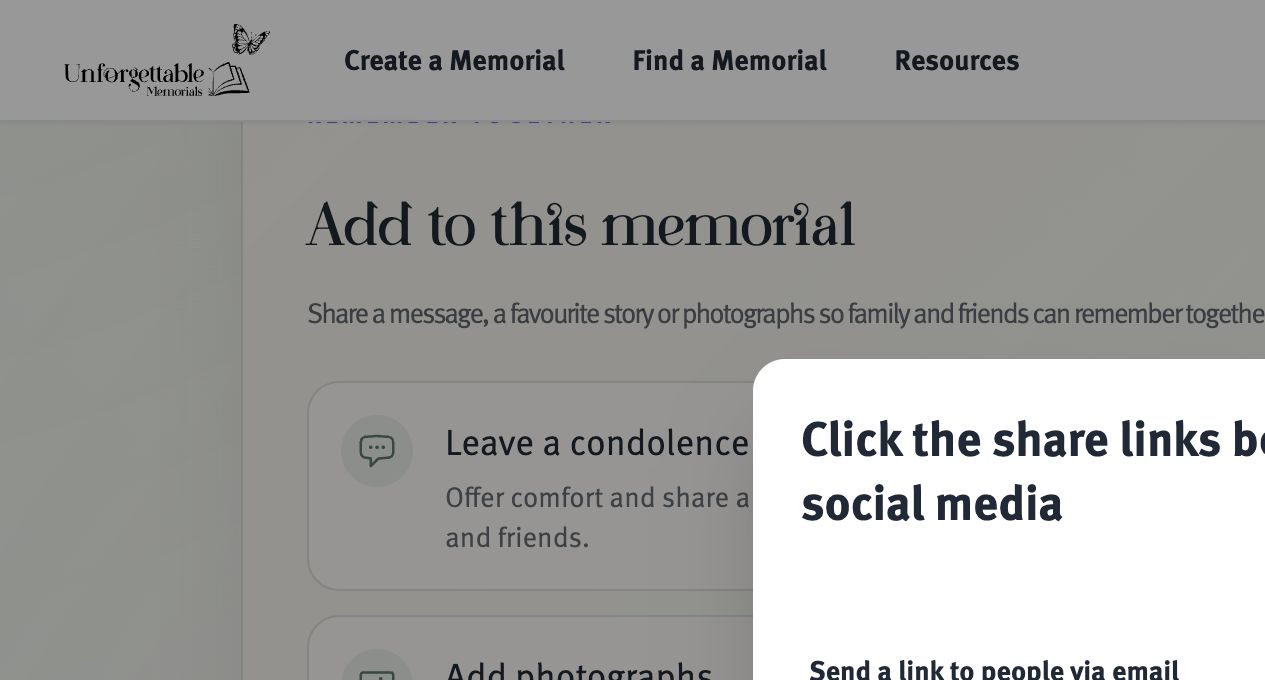
Select Share memorial, then choose email when the available sharing methods are shown.
-
Enter the recipient’s email
Check the address carefully. Send to people individually or in appropriate small groups to respect everyone’s privacy.
-
Add a personal note
Briefly explain why you are sharing the memorial and whether you would like the recipient to add a condolence, story or photograph.
-
Send and follow up thoughtfully
Send the invitation. If the email does not arrive, ask the recipient to check spam or junk folders before sending it again.