

A varied collection is often more meaningful than a set of formal portraits. Consider childhood, family, friendships, work, celebrations, hobbies and ordinary days.
-
Choose suitable photographs
Select clear images that celebrate the person and are appropriate for the memorial’s audience. Make sure you have permission to share photographs featuring other people.
-
Prepare the image files
Use common image formats such as JPEG, PNG or WebP. If an upload is very large, resize it while keeping enough detail for a clear screen image.
-
Open the memorial gallery
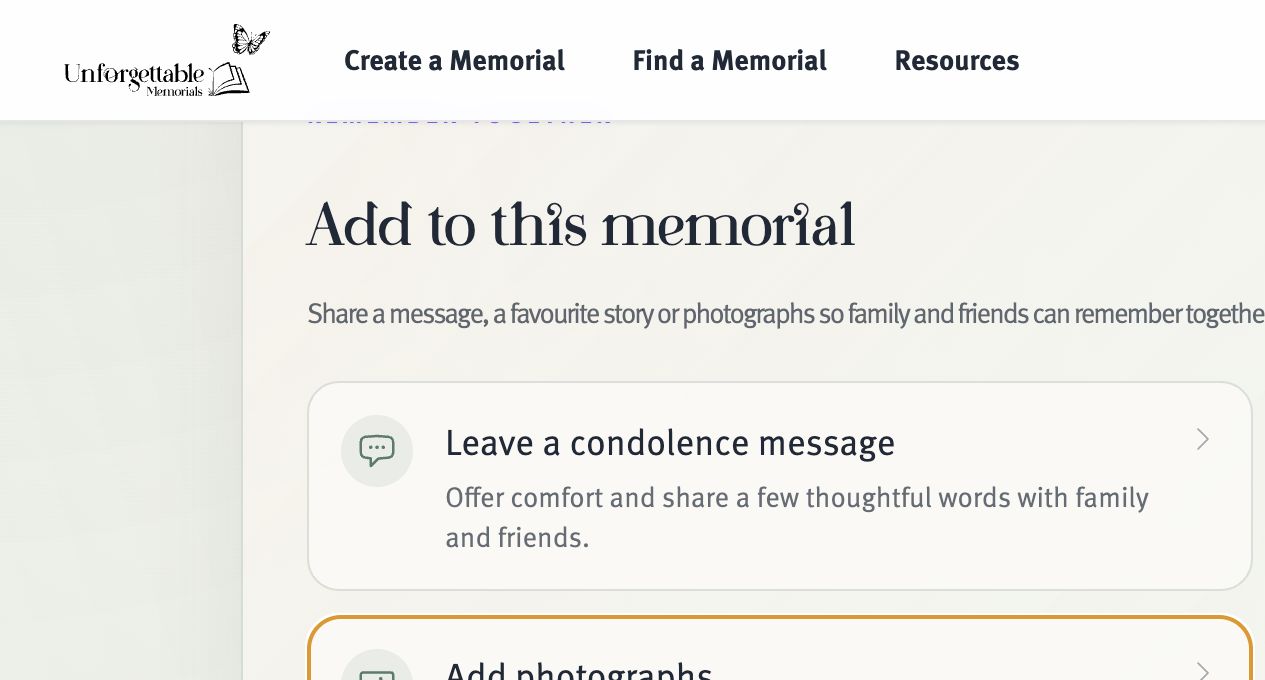
Find the correct memorial, go to its photographs or gallery area and choose the upload option.
-
Add context
Where available, add a short caption with names, the place, occasion or approximate year. This turns an image into a useful piece of family history.
-
Check and submit
Preview the orientation and crop, remove any accidental selection, then upload. Public contributions may be held for approval by the memorial custodian.