

Specific memories often say more than a formal summary. Think of one moment you can picture clearly: where you were, what happened and what it reveals about the person.
-
Open the right memorial
Find the memorial and check that you are contributing to the correct person’s page.
-
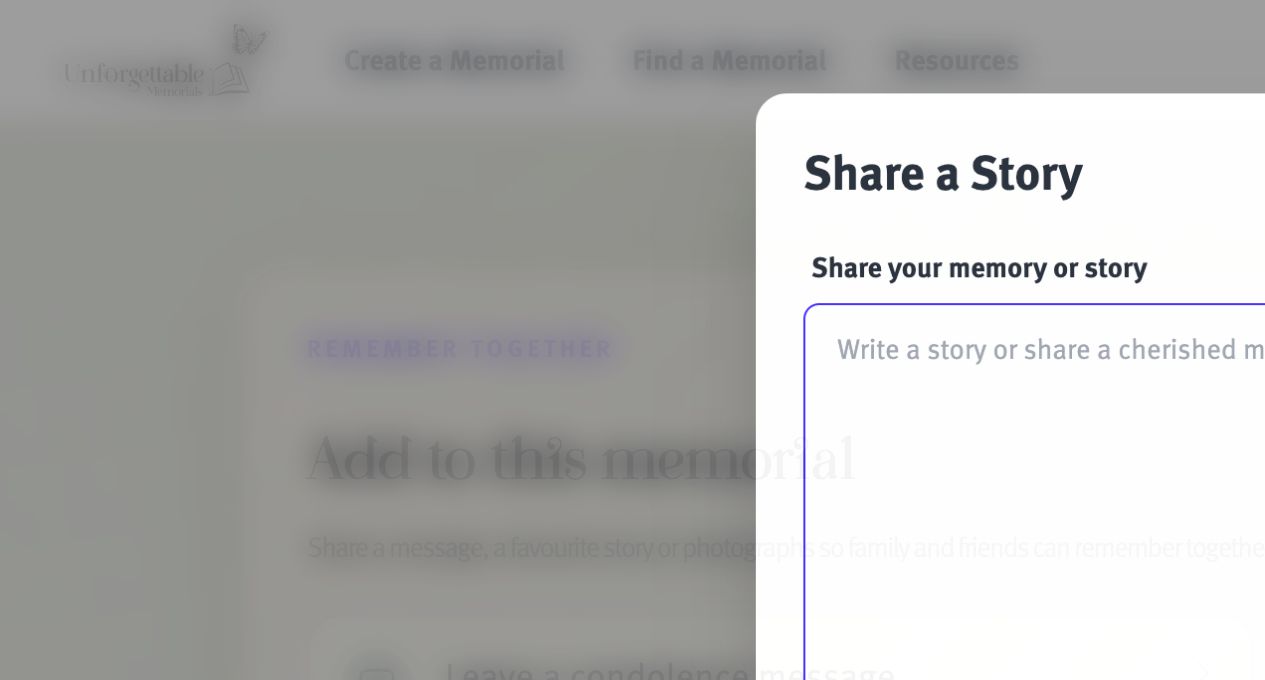
Choose to add a story
Open the stories or memories area and select the contribution option. You may be asked to identify yourself first.
-
Focus on one memory
Give the story a clear beginning and describe the details that bring it to life. Everyday moments, sayings and small acts of kindness are especially meaningful.
-
Respect everyone mentioned
Avoid private, sensitive or disputed information. If other people feature in the story, consider how they would feel seeing it shared publicly.
-
Proofread and submit
Check names and dates, then submit the story. The memorial custodian may review it before publication.